The Complete Guide to a Bilingual Arabic–English Website That Gets Found
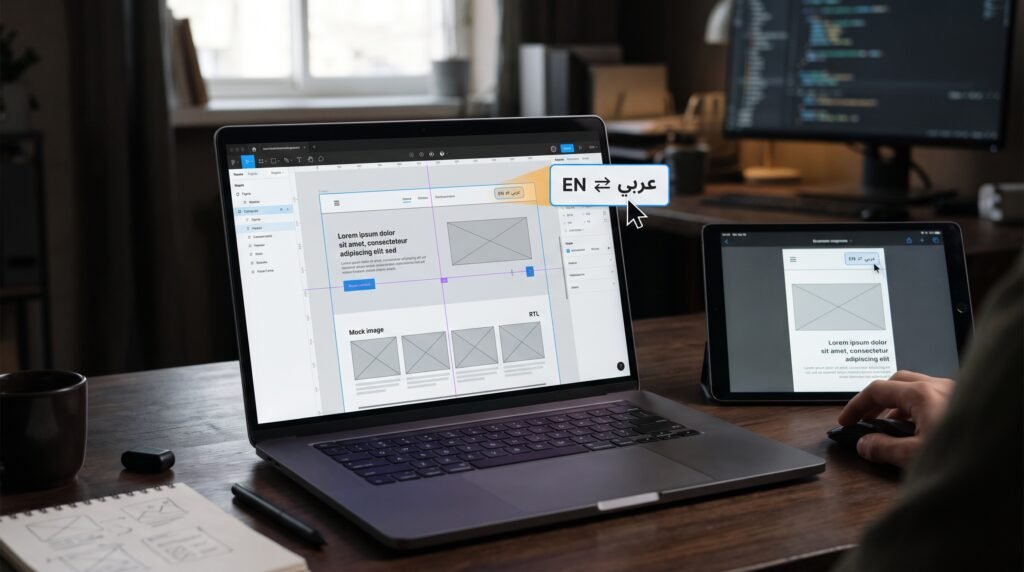
Build two complete versions of your site, each at its own URL and written natively for its audience, fast on mobile, clear to people and machines, and reviewed together on a schedule.
Open a handful of bilingual business websites in the Gulf and you’ll often notice the same thing: the Arabic version feels like a guest. The layout is stretched from the English one, the menu is half-translated, and somewhere a button still says “Read more”. It works, technically. It just doesn’t feel like it was made for anyone.
This guide is the plan I’d follow if I were starting a bilingual site from zero today. It’s built on one idea: two languages means two complete sites that happen to share a brain. Each section links to a deeper article, so read straight through or jump to the part that’s hurting you.
Start with who the second language is for #
Before you touch design, answer something unglamorous: who exactly reads the English version, and who reads the Arabic one? Say you run a dental clinic in Doha. Arabic-speaking families might be searching for the nearest clinic, while English-speaking expats compare prices and check whether you take their insurance. Different people, different questions, and the pages that win them are rarely word-for-word translations.
Write down the three or four things each audience needs to do on your site: book, call, compare, download. That list decides your menu, your homepage and your first ten pages. Skipping it is how you end up translating pages nobody needed.
Give each language its own address #
The most useful technical decision is also the least exciting one. Every page should exist at a separate URL for each language, something like /services/ and /services/en/, instead of one URL that changes language with a cookie or a script. Search engines can only index what they can request by address, and people can only share a link that opens the right language. The details, and the traps, are in why every language needs its own URL.
Design Arabic properly, not as a mirror image #
Flipping the layout is the easy part. The hard part is everything that shouldn’t flip: phone numbers, brand names in Latin letters, icons that point somewhere, line height for Arabic script, and fonts chosen for English that look cramped in Arabic. Most of the awkwardness people feel on Arabic sites comes from a few repeating mistakes, collected in the common right-to-left design mistakes.
Write for how people actually search #
Arabic searchers type in standard Arabic, in dialect, and sometimes in Latin letters. The English-speaking audience in the region searches differently again, often adding the city name. Arabic keyword data is thinner than English data, so you’ll lean on search suggestions, Search Console and common sense. There’s a practical routine in Arabic keyword research that reflects real searches.
Treat speed as part of the design #
Most of your visitors are on phones, and plenty are on mobile data. A beautiful page that takes six seconds to show its first image loses people before the design matters. Hosting location, caching, image size and the number of plugins do most of the work. The short version lives in hosting and speed for Gulf visitors.
Help search engines and AI tools understand the site #
Clean structure beats tricks: proper headings, a sitemap, language tags, structured data, and a quick way to tell search engines when something changed. AI assistants that answer with sources lean on the same foundations: clear pages, clear authorship, answers near the top. Nobody can promise you a ranking, but you can remove the obstacles. The checklist is in getting indexed and showing up in AI answers.
Make it usable for everyone #
Accessibility often gets treated as final polish. It’s cheaper and better as a habit from the first mockup: readable contrast, real buttons, labels on forms, keyboard navigation. It also helps search engines, because the clean markup a screen reader needs is what a crawler reads too. Start with accessibility basics you can do this week.
A launch checklist #
- Every page exists in both languages, or is clearly offered in one only.
- Each language has its own URL, title and description.
- The two versions point to each other with hreflang links.
- Contact details, opening hours and policies exist in both languages.
- Pages load quickly on a mid-range phone over mobile data.
- The site is submitted to Google Search Console and Bing Webmaster Tools.
- Someone who didn’t build the site has tried your main goal in each language.
Keeping it alive #
A bilingual site is never finished. Prices change, services change, and the version that gets updated first is always the one the owner reads. Pick a rhythm, say every quarter, and review both languages together. Update your main guides when something changes and let the dates show. Readers and search engines both trust pages that look looked-after.
If you’d rather have someone build and maintain this with you, reach me through the contact page.
FAQ
Is a translation plugin enough for a bilingual site?
Usually not. Machine translation is fine as a quick start, but it reads stiffly and unreviewed text hurts trust. Edit each page, especially the ones that bring in customers.
Should the site redirect people by browser language?
A one-time redirect on the first visit is acceptable if visitors can switch easily and the choice is remembered. Avoid redirecting on every visit or hiding a language.
How many pages do I need in the second language?
Only the ones that serve that audience. A smaller, polished section beats a full site of weak translations.
Related articles

Website Accessibility Basics You Can Do This Week
Contrast, fonts, keyboard, alt text and forms: small steps that make your site better for everyone.
· 2 min
Getting Indexed Fast and Showing Up in AI Answers
What really speeds up discovery, and what nobody can guarantee, from Search Console to IndexNow and llms.txt.
· 2 min
Hosting and Speed for Visitors in the Gulf
From measuring to images, caching and server location: what actually makes your site faster.
· 2 min
Comments (1)
جميل